MiniViz API Reference (Image)
MiniViz API supports the following endpoints.
API Endpoint
Image Transmission API
POST https://api.miniviz.net/api/project/{project_id}/image
Request Overview
Image transmission to MiniViz API uses the POST method. Send the project token with the Authorization: Bearer {token} header. The legacy ?token={token} query parameter is still supported for compatibility. The request body is in JSON format. Image data is base64 encoded before transmission.
Request Body (Image Transmission)
| Field Name | Type | Required | Description |
|---|---|---|---|
timestamp | number | Yes | Transmission time (UNIX time in milliseconds) |
label_key | string | Yes | Label to identify the source, such as device name or location (max 128 characters, [A-Za-z0-9-_.:@/] only) |
image_name | string | Yes | Image file name (max 255 characters) |
image_base64 | string | Yes | Base64-encoded image data; the decoded image must be at most 200 KiB |
Limitations
Image Size and Format
- Image Size: Maximum 200 KiB per image after base64 decoding (204,800 bytes)
- Supported Formats: JPEG and PNG only
- Transmission Interval: 60 seconds/image (managed per label key)
- Retention Period: 365 days
Plan Restrictions
- Available Plans: Pro plan only (403 error for free plan)
Request Example (Image Transmission)
{
  "timestamp": 1717587812345,
  "label_key": "camera_1",
  "image_name": "image.jpg",
  "image_base64": "base64_encoded_image_data"
}
curl Command (Linux/MacOS)
timestamp_ms=$(( $(date -u +%s) * 1000 ))

# Encode image file to base64
image_base64=$(base64 -i image.jpg)

curl -X POST \
  "https://api.miniviz.net/api/project/{project_id}/image" \
  -H "Content-Type: application/json" \
  -H "Authorization: Bearer {token}" \
  -d "{
        \"timestamp\": ${timestamp_ms},
        \"label_key\": \"camera_1\",
        \"image_name\": \"image.jpg\",
        \"image_base64\": \"${image_base64}\"
      }"
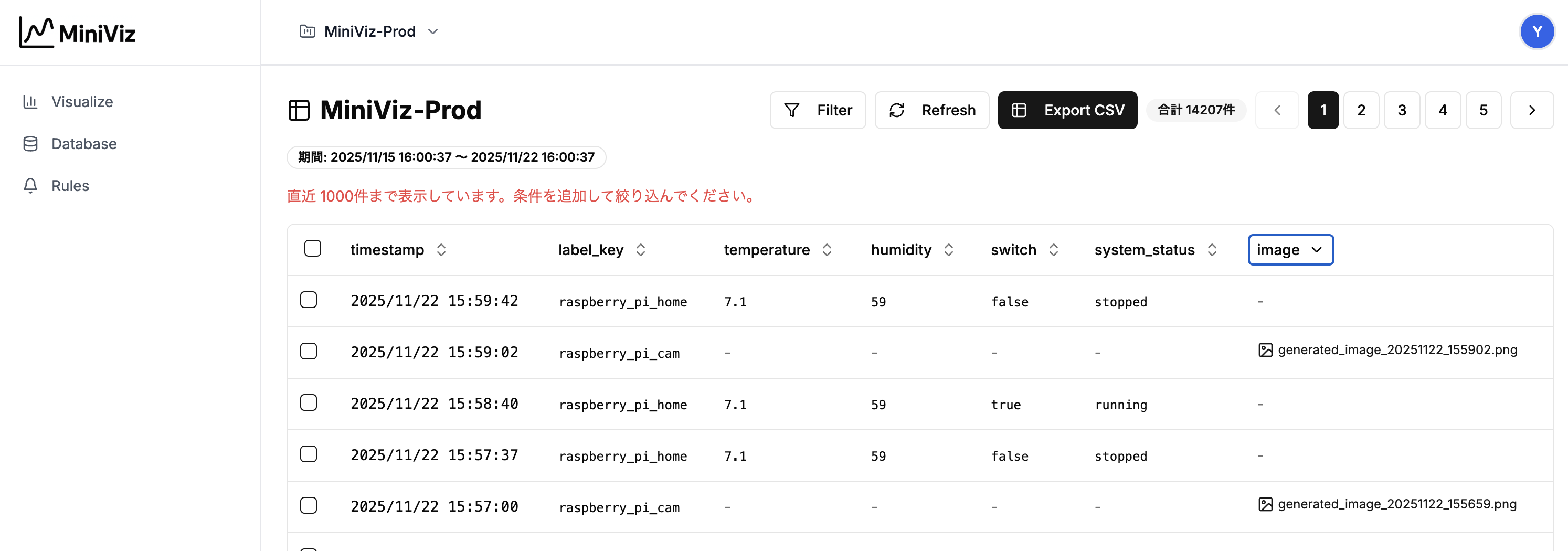
View Images
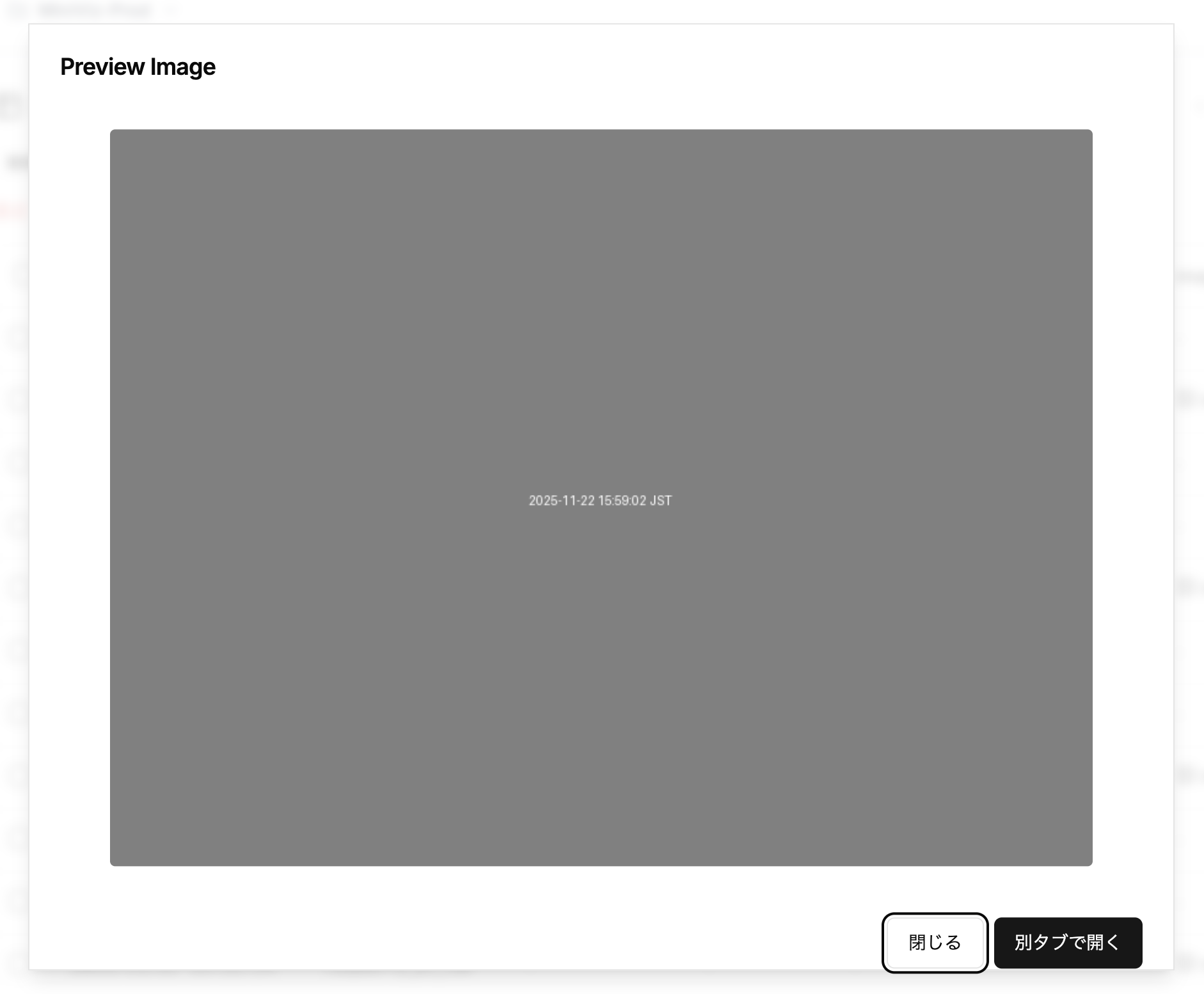
You can preview sent images from the database page.
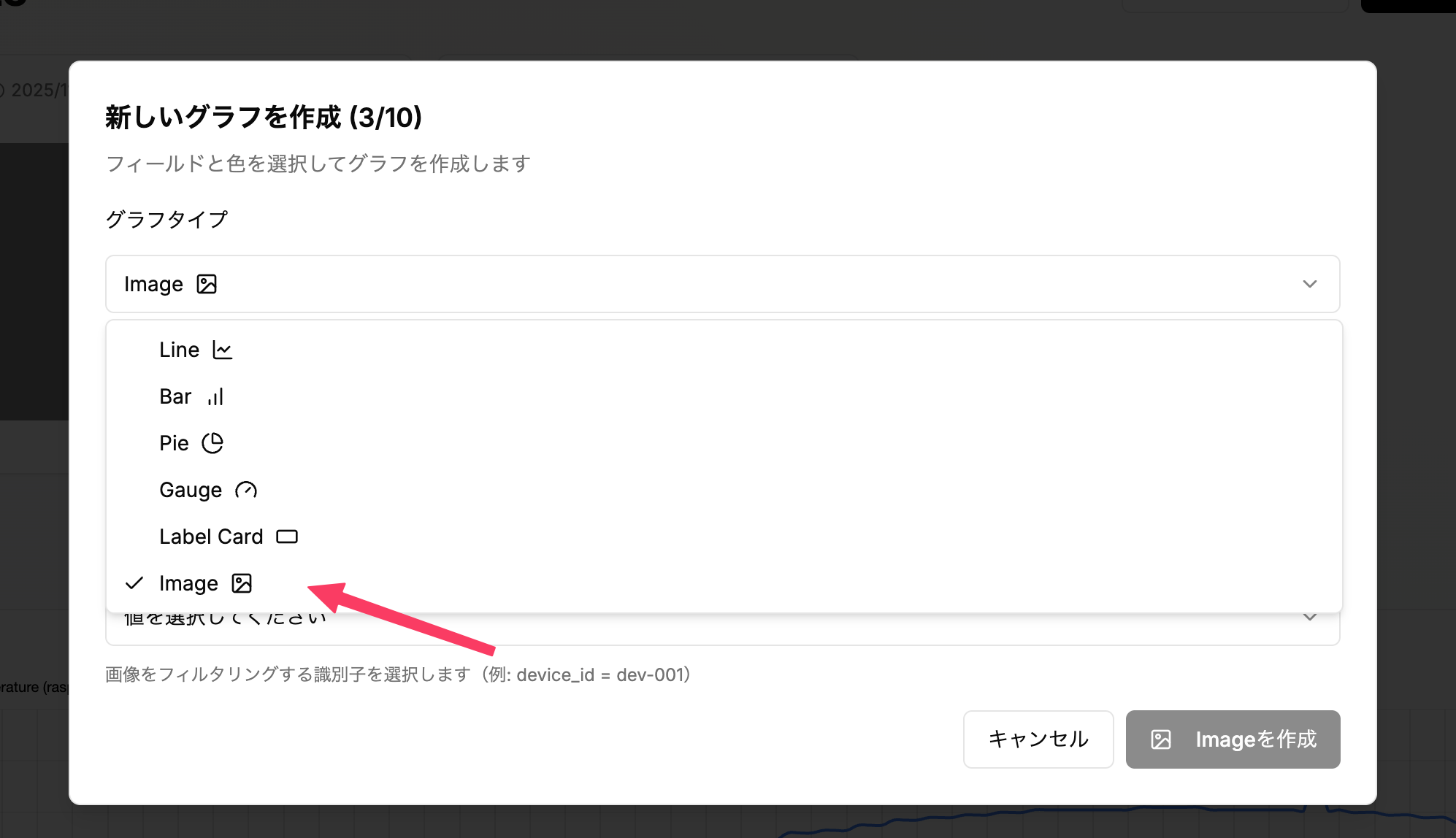
You can also display images in graphs from the graph creation page.
[Create New Graph] -> [Select Graph Type] -> Select [image]